1/25

Photo Books
Photo Books
Photo Books
Photo Books
Photo Books
Photo Books
Photo Books
Photo Books
Photo Books
Photo Books
Photo Books
Photo Books
Photo Books
Photo Books
Photo Books
Photo Books
Photobooks
Photobooks
Photobooks
Photobooks
Photobooks
Photobooks
Photo Books
This is a video about the product
Photo Books
Photo Books
Photo Books
Photo Books
Photo Books
Photo Books
Photo Books
Photo Books
Photo Books
Photo Books
Photo Books
Photo Books
Photo Books
Photo Books
Photo Books
Photobooks
Photobooks
Photobooks
Photobooks
Photobooks
Photobooks

Create a personal photo book full of moments that matter.

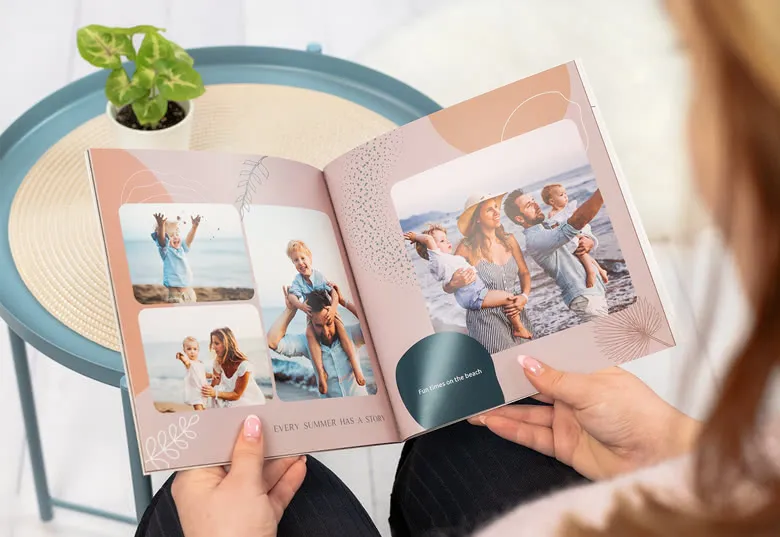
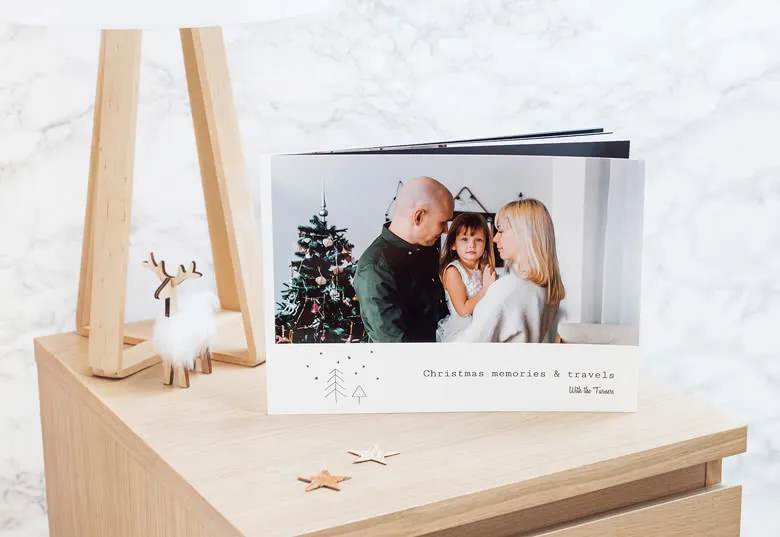
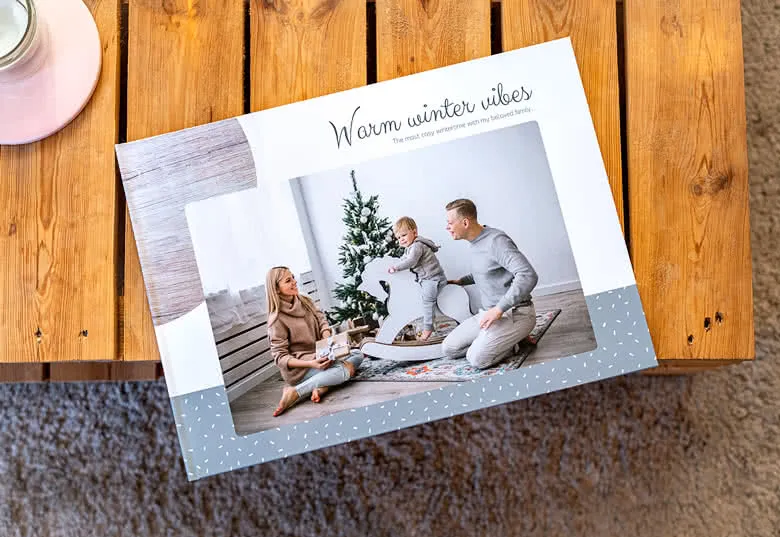
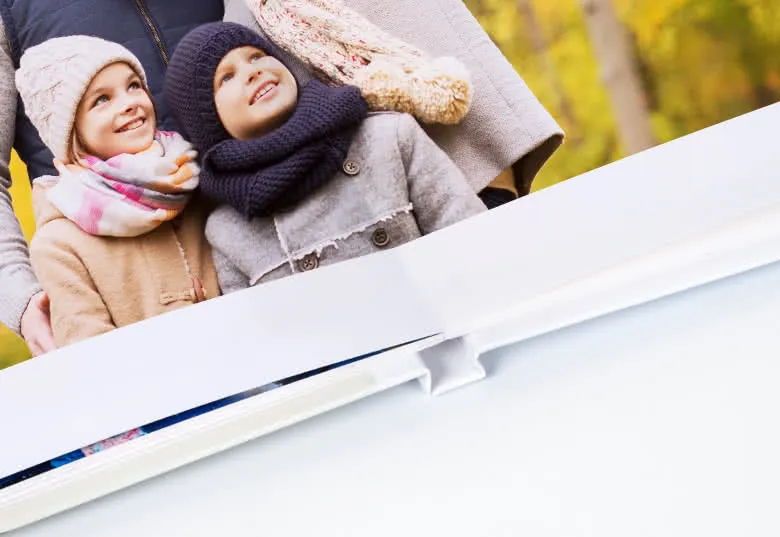
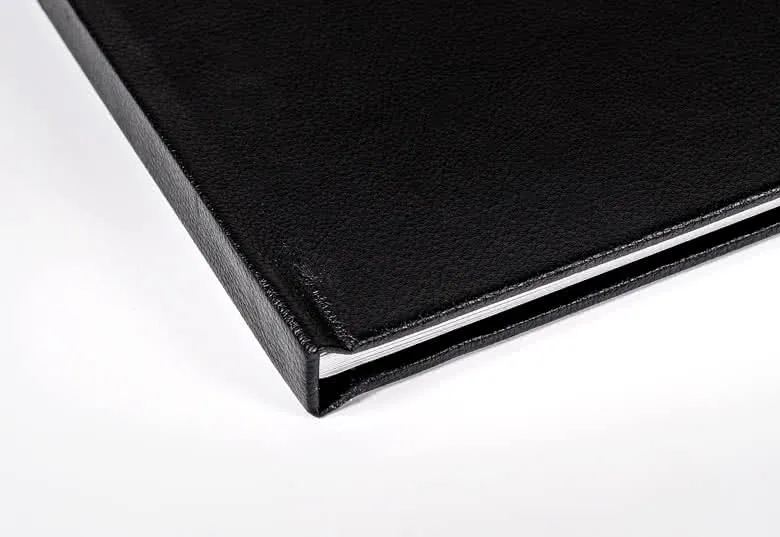
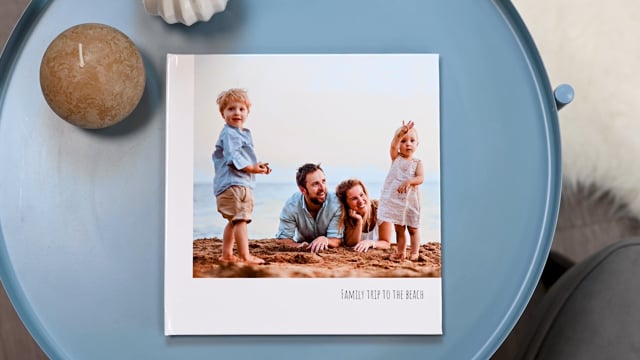
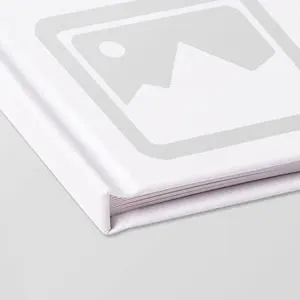
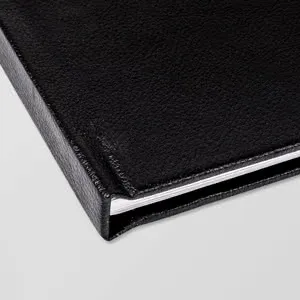
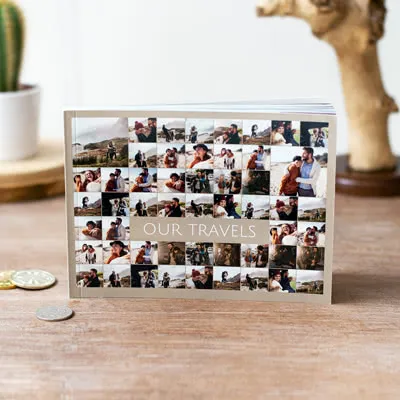
Your most treasured moments deserve to be remembered. With a personalised photo book, you can tell your story beautifully and effortlessly. Whether it’s a dreamy vacation, your wedding day, your baby’s first year, or simply a joyful collection of everyday snapshots. Start by selecting a format and cover that match your style, from a durable hard cover or light, flexible soft cover to luxurious linen or classic black leather.

With two unique ways to create your photobook, you have the freedom to choose how you preserve your memories. For anyone who wants a beautiful result quickly and effortlessly, there's the Instant Creator. With this clever tool, you simply upload your photos, and it analyses them and suggests a fitting theme. Once you've chosen a design, your photobook is put together automatically according to your preferences. A stress-free way to have a professional photo album in your hands in no time. Alternatively, you can opt for the classic method, where you keep full creative control. This way, you can customise every layout down to the finest detail, add text wherever you like, and position each element according to your own vision. Whether you go for the speed of the Instant Creator or prefer to be in charge of your own design, both methods will always produce a unique, personal, high-quality photobook filled with your favourite moments.

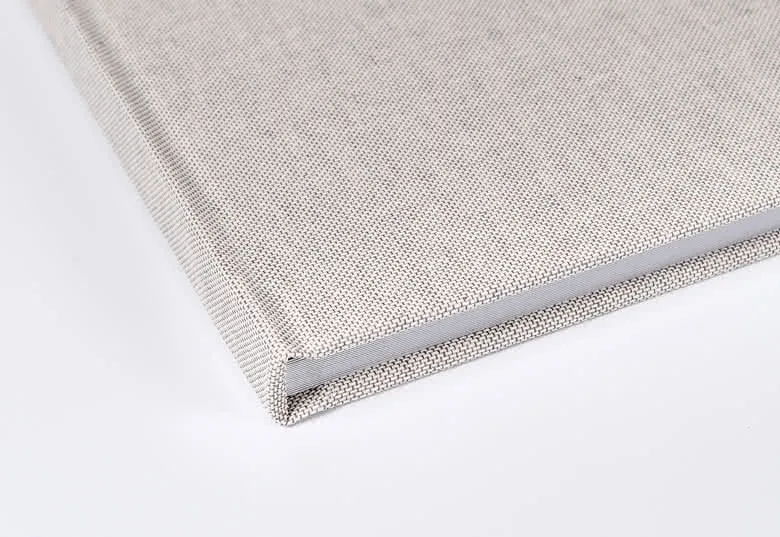
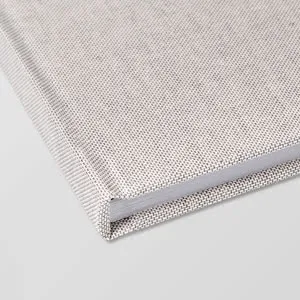
Want something extra special? Linen covers can now be customised with your favourite design, name, date, or even a photo. Explore a wide variety of themes, from elegant and timeless to playful and modern, all easy to customise with your own text, layouts, and photos. Printed on premium glossy or matte paper, your images will shine in rich colour and stunning detail.

Specifications of Photo Books

    Personalisation
  • Create your photobook 2 different ways: with the Instant Creator Tool (automatic photo selection and layout) or choose to design it manually
  • Custom options: choose from sizes, orientations and cover types
  • Number of pages: 20 to 100 pages available
  • A wide range of ready-to-use layouts and fonts

  • Material
  • Binding: Standard binding or Lay-flat binding (available on all Hard Covers)
  • Paper finish: Standard, gloss or matt (gloss/matt available for hard photo cover L and XL)
  • Cover options: Hard Cover, Soft Cover or Linen Cover (Note: colours on linen may vary slightly due to fabric texture)

  • More info
  • Gift packaging: Luxury gift packaging available for sizes L and XL
  • Find all product details of our Photo books here

FAQ of Photo Books

How do I make a Photo Book?

There are 2 unique ways to get started with your photobook.

With the Instant Creator, you can have a professional-looking photobook put together in no time using the photos you upload. Once we've received your photos, the Instant Creator will select the best ones and suggest a theme for your photobook. Simply choose a design and your photobook will be assembled especially for you. A quick, easy way to save time and enjoy the result straight away.

Prefer full creative control? Then you can choose to put your photobook together manually and customise it down to the finest detail. Perfect for the creative types who like to take their time and make it truly personal, from cover to cover.

If a warning triangle appears on the screen, simply reduce the size of the image until the warning disappears.

How does the Instant Creator Tool work?

Our Instant Creator Tool takes the hard work of making a photobook off your hands. Simply select your photos and our AI-supported tool will automatically filter out duplicates, blurry images, and poorly lit shots. It then cleverly groups your best photos in chronological order and designs a beautiful layout that perfectly tells your unique story. No need to worry — you keep full control. All your photos remain available in the Creator, so you can easily add, swap, or remove them afterwards to add your personal touch.

Can I switch between automatic and manual photobook creation later on?

Yes, absolutely! The Instant Creator generates a starting layout for you. Once it's been created, you'll be taken to our standard editor, where you have 100% creative freedom. You can move photos around, change backgrounds, add text, or start pages from scratch.

Is there a limit to the number of photos I can upload when making a photobook with the Instant Creator?

You can upload up to 1,000 photos in one go! Our Instant Creator is designed to handle large volumes of images and find your very best moments.

What is lay-flat binding and how do I select it?

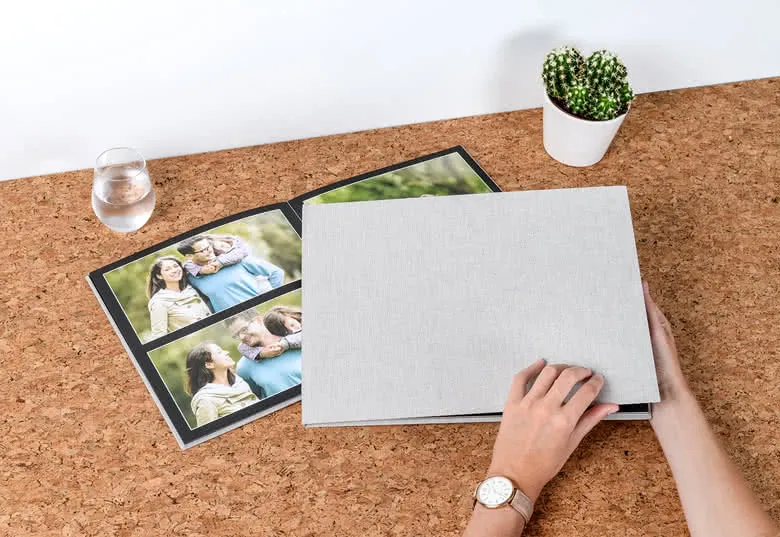
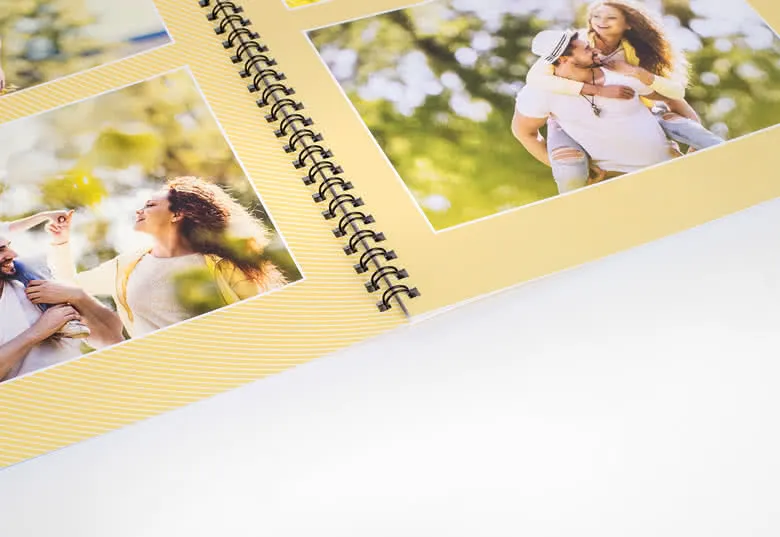
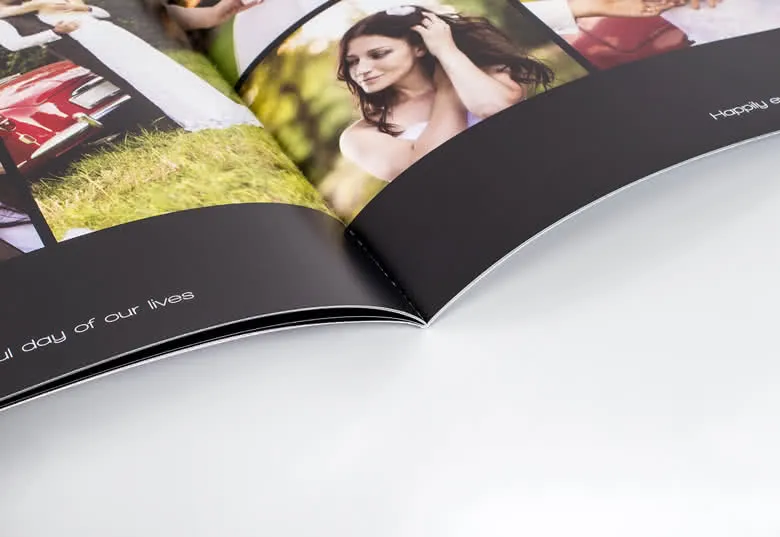
With lay-flat binding, your photobook can be opened out completely flat. This means your photos run seamlessly across two pages without disappearing into the centrefold (the spine crease). Perfect for panoramic landscapes and large group photos! Lay-flat binding is automatically included with all our hard cover photobooks.

How long will it take to deliver my Photo Book?

We have several options for the delivery of your photo products. With our fastest form of delivery, it can take as little as six days.

I found an error in my Photo Book - what should I do?

smartphoto has a guarantee we call the Smart Warranty. If you find errors on your products or you are not 100% satisfied, just send an email to Customer Service on contact@smartphoto.co.uk with your order number. Write "Smart Warranty" in the subject field, and your case will be handled immediately. Please attach pictures of the error, so Customer Service can see what went wrong. Then follow the instructions from Customer Service and you’ll be well on your way to getting a new Photo Book.

How does the Auto-Fill function work?

Want to save time? Use the Auto-Fill function! After uploading your photos, simply select “Auto-Fill” in the design tool. Your photos will be placed automatically in the layout you’ve chosen — in chronological order and based on whether they are portrait or landscape. Once placed, take a moment to review the result. You can fine-tune the design by cropping photos, adjusting their position, adding text or illustrations, or moving pages around by dragging them within the editor. It’s a fast and easy way to start designing your photo book!

How do I know if the quality of my photo is good enough? One of my photos looks blurry in the editor.

The editor uses a compressed version of your image for faster preview, which means that even high-resolution photos might appear a bit blurry on screen. Don’t worry — your original, high-quality photo will be used for printing. If your original file is sharp, your printed photo will be sharp too. Keep an eye out for warning symbols!
If a photo is marked with a warning triangle, its resolution may be too low for a high-quality print. You can either replace it with a higher-resolution image or reduce its size by dragging the corners of the photo. The warning will disappear once the resolution is sufficient.
At smartphoto, we print on premium paper using high-quality, professional printing techniques that ensure vibrant colours, crisp details, and lasting durability. Our photo books are available with a range of binding options, from elegant hardcovers to lay-flat pages — all made to handle years of page-turning and memory-sharing.
We believe your memories deserve the best, which is why we make sure both your images and your photo book are produced with care, quality, and attention to detail.

Can I design a photo book from scratch?

Absolutely! You can create a photo book entirely from scratch by selecting your own photos, designing the layout, and customising everything to suit your preferences. Our intuitive editor gives you full control, so your book turns out exactly the way you want it.

How do I add a video using a QR code?

You can add a video to your photo book using a QR code. First, make sure your video is available online through a public link (for example, on YouTube or Vimeo). Once your video is uploaded and has a working URL, you can easily generate a QR code by searching online for a free “QR code generator”. Add the QR code to your photo book design. When someone scans it with a smartphone, they’ll be taken directly to your video. Need help? Feel free to contact our customer service.
  • Starting price 20 pages
  • Expandable up to 100 pages
  • From {0} 1.00 - Every extra page
Product info

Choose your size(XL)
XL
XL

Complete the previous selections first
L

L

Complete the previous selections first
M

M

Complete the previous selections first

Select orientation(Square)

Landscape

Landscape

Complete the previous selections first
Square

Square

Complete the previous selections first

Select cover(Hard Linen Cover)

Hard Photo Cover

Hard Photo Cover

27,6 28,1 cm

From 46.99

Hard Leather Cover

Hard Leather Cover

27,6 28,1 cm

From 44.99

Hard Linen Photo Cover

Hard Linen Photo Cover

27,6 28,1 cm

From 48.99

Hard Linen Cover

Hard Linen Cover

27,6 28,1 cm

From 44.99

Go to designs
Go to designs
Complete the previous selections first

Delivery

  1.  
    Date
    Price
  2. 22/07/2026

    8.99

  3. 22/07/2026

    8.99

More information about all delivery options

Made a spelling mistake?

Get a free reprint

Options
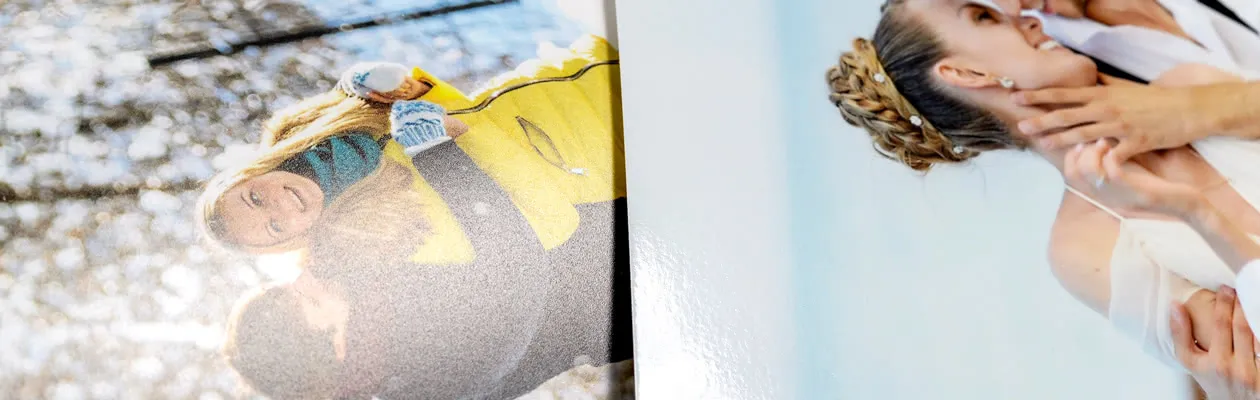
Make your Photo Book even more luxurious by choosing Premium Glossy or Premium Matte Paper

Starting at 0.20/piece

Make your Photo Book even more luxurious by choosing Premium Glossy or Premium Matte Paper
Choose a Photo Book in size L or XL and have the option between:
  • Premium Glossy Paper 300g
  • Premium Matte Paper 300g

Modern Presentation Box

Starting at 9.99/piece

Modern Presentation Box
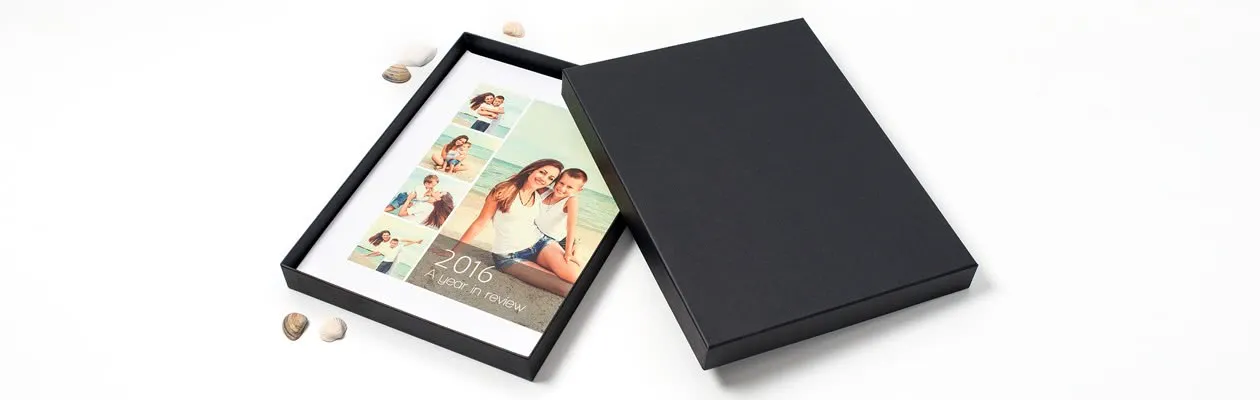
Add a nice black box with a stylish look to protect your photobook.

Choose a Photo Book in size L or XL that will fit in this Modern Presentation Box perfectly.

Price information

Description

Create a personal photo book full of moments that matter.

Your most treasured moments deserve to be remembered. With a personalised photo book, you can tell your story beautifully and effortlessly. Whether it’s a dreamy vacation, your wedding day, your baby’s first year, or simply a joyful collection of everyday snapshots. Start by selecting a format and cover that match your style, from a durable hard cover or light, flexible soft cover to luxurious linen or classic black leather.

With two unique ways to create your photobook, you have the freedom to choose how you preserve your memories. For anyone who wants a beautiful result quickly and effortlessly, there's the Instant Creator. With this clever tool, you simply upload your photos, and it analyses them and suggests a fitting theme. Once you've chosen a design, your photobook is put together automatically according to your preferences. A stress-free way to have a professional photo album in your hands in no time. Alternatively, you can opt for the classic method, where you keep full creative control. This way, you can customise every layout down to the finest detail, add text wherever you like, and position each element according to your own vision. Whether you go for the speed of the Instant Creator or prefer to be in charge of your own design, both methods will always produce a unique, personal, high-quality photobook filled with your favourite moments.

Want something extra special? Linen covers can now be customised with your favourite design, name, date, or even a photo. Explore a wide variety of themes, from elegant and timeless to playful and modern, all easy to customise with your own text, layouts, and photos. Printed on premium glossy or matte paper, your images will shine in rich colour and stunning detail.

Specifications

Specifications of Photo Books

    Personalisation
  • Create your photobook 2 different ways: with the Instant Creator Tool (automatic photo selection and layout) or choose to design it manually
  • Custom options: choose from sizes, orientations and cover types
  • Number of pages: 20 to 100 pages available
  • A wide range of ready-to-use layouts and fonts

  • Material
  • Binding: Standard binding or Lay-flat binding (available on all Hard Covers)
  • Paper finish: Standard, gloss or matt (gloss/matt available for hard photo cover L and XL)
  • Cover options: Hard Cover, Soft Cover or Linen Cover (Note: colours on linen may vary slightly due to fabric texture)

  • More info
  • Gift packaging: Luxury gift packaging available for sizes L and XL
  • Find all product details of our Photo books here

FAQ

FAQ of Photo Books

How do I make a Photo Book?

There are 2 unique ways to get started with your photobook.

With the Instant Creator, you can have a professional-looking photobook put together in no time using the photos you upload. Once we've received your photos, the Instant Creator will select the best ones and suggest a theme for your photobook. Simply choose a design and your photobook will be assembled especially for you. A quick, easy way to save time and enjoy the result straight away.

Prefer full creative control? Then you can choose to put your photobook together manually and customise it down to the finest detail. Perfect for the creative types who like to take their time and make it truly personal, from cover to cover.

If a warning triangle appears on the screen, simply reduce the size of the image until the warning disappears.

How does the Instant Creator Tool work?

Our Instant Creator Tool takes the hard work of making a photobook off your hands. Simply select your photos and our AI-supported tool will automatically filter out duplicates, blurry images, and poorly lit shots. It then cleverly groups your best photos in chronological order and designs a beautiful layout that perfectly tells your unique story. No need to worry — you keep full control. All your photos remain available in the Creator, so you can easily add, swap, or remove them afterwards to add your personal touch.

Can I switch between automatic and manual photobook creation later on?

Yes, absolutely! The Instant Creator generates a starting layout for you. Once it's been created, you'll be taken to our standard editor, where you have 100% creative freedom. You can move photos around, change backgrounds, add text, or start pages from scratch.

Is there a limit to the number of photos I can upload when making a photobook with the Instant Creator?

You can upload up to 1,000 photos in one go! Our Instant Creator is designed to handle large volumes of images and find your very best moments.

What is lay-flat binding and how do I select it?

With lay-flat binding, your photobook can be opened out completely flat. This means your photos run seamlessly across two pages without disappearing into the centrefold (the spine crease). Perfect for panoramic landscapes and large group photos! Lay-flat binding is automatically included with all our hard cover photobooks.

How long will it take to deliver my Photo Book?

We have several options for the delivery of your photo products. With our fastest form of delivery, it can take as little as six days.

I found an error in my Photo Book - what should I do?

smartphoto has a guarantee we call the Smart Warranty. If you find errors on your products or you are not 100% satisfied, just send an email to Customer Service on contact@smartphoto.co.uk with your order number. Write "Smart Warranty" in the subject field, and your case will be handled immediately. Please attach pictures of the error, so Customer Service can see what went wrong. Then follow the instructions from Customer Service and you’ll be well on your way to getting a new Photo Book.

How does the Auto-Fill function work?

Want to save time? Use the Auto-Fill function! After uploading your photos, simply select “Auto-Fill” in the design tool. Your photos will be placed automatically in the layout you’ve chosen — in chronological order and based on whether they are portrait or landscape. Once placed, take a moment to review the result. You can fine-tune the design by cropping photos, adjusting their position, adding text or illustrations, or moving pages around by dragging them within the editor. It’s a fast and easy way to start designing your photo book!

How do I know if the quality of my photo is good enough? One of my photos looks blurry in the editor.

The editor uses a compressed version of your image for faster preview, which means that even high-resolution photos might appear a bit blurry on screen. Don’t worry — your original, high-quality photo will be used for printing. If your original file is sharp, your printed photo will be sharp too. Keep an eye out for warning symbols!
If a photo is marked with a warning triangle, its resolution may be too low for a high-quality print. You can either replace it with a higher-resolution image or reduce its size by dragging the corners of the photo. The warning will disappear once the resolution is sufficient.
At smartphoto, we print on premium paper using high-quality, professional printing techniques that ensure vibrant colours, crisp details, and lasting durability. Our photo books are available with a range of binding options, from elegant hardcovers to lay-flat pages — all made to handle years of page-turning and memory-sharing.
We believe your memories deserve the best, which is why we make sure both your images and your photo book are produced with care, quality, and attention to detail.

Can I design a photo book from scratch?

Absolutely! You can create a photo book entirely from scratch by selecting your own photos, designing the layout, and customising everything to suit your preferences. Our intuitive editor gives you full control, so your book turns out exactly the way you want it.

How do I add a video using a QR code?

You can add a video to your photo book using a QR code. First, make sure your video is available online through a public link (for example, on YouTube or Vimeo). Once your video is uploaded and has a working URL, you can easily generate a QR code by searching online for a free “QR code generator”. Add the QR code to your photo book design. When someone scans it with a smartphone, they’ll be taken directly to your video. Need help? Feel free to contact our customer service.

Instant Creator: creating a photobook automatically

Do you have hundreds of photos on your smartphone or computer but not enough time to sort through them all? Thanks to our Instant Creator, manually trawling through your photo library is a thing of the past. Creating an automatic photobook through our intelligent systems means artificial intelligence does the heavy lifting for you. The Instant Creator analyses your entire collection and carries out a smart curation: duplicate photos, unclear or blurry images are automatically identified and removed. What remains are the true gems that tell your story best.

Our intelligent assistant goes further than simply selecting photos, however. The Instant Creator recognises patterns, faces and locations to group your photos logically. This creates a natural timeline in your photo album, giving the most beautiful moments the attention they deserve. Whether it's a year in review with thousands of images or a weekend away, the AI-powered features deliver a harmonious design that looks as though it was put together by a professional designer. In no time at all, you can transform a chaotic pile of digital files into a stunning, tangible keepsake.

The great advantage of an intelligent photobook is the enormous time saving without compromising on creativity. Once the AI has made an initial suggestion for the layout and page arrangement, you retain full control. You can adjust layouts, add text, or swap in that one specific photo after all. It's the perfect combination of technological efficiency and a personal touch — so you can enjoy a professional result whilst reliving your favourite memories.

From ‘I Do’ to forever: Create your wedding album

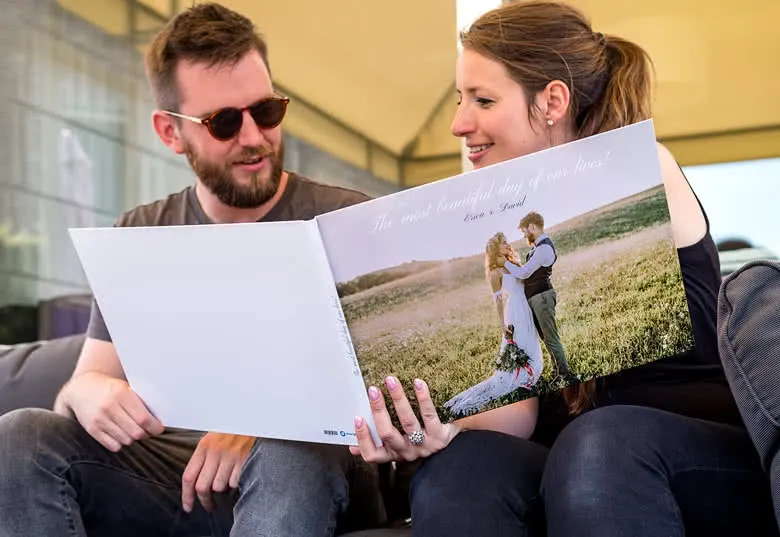
Your wedding day is one of the most unforgettable moments of your life, and it deserves to be captured in a wedding photo book you’ll cherish forever. From getting ready to the first dance and every loving glance in between, collect all your favourite photos in a beautifully designed album. Choose from elegant designs and covers, like linen with your names and wedding date printed on it. You can even add your own quote or keep it minimalist and let the photos speak for themselves. Tip: Don’t forget to include the little candid moments — those often become your most-loved memories later.

Capture your baby’s first memories in a photo book

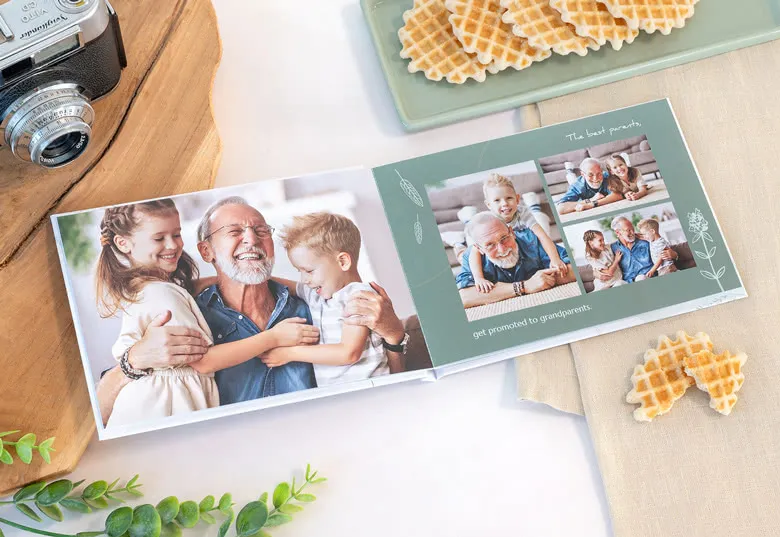
Your baby’s first year is full of milestones that fly by in the blink of an eye. Capture those precious moments, from first smiles to first steps or the baptism day, in a sweet, personal baby photo book. Choose a soft and playful design, and add personal details like your child’s name, birth date, and even a heartfelt message. It’s perfect as a keepsake, or as a gift for grandparents or godparents.

Celebrate their communion with a photo book to treasure

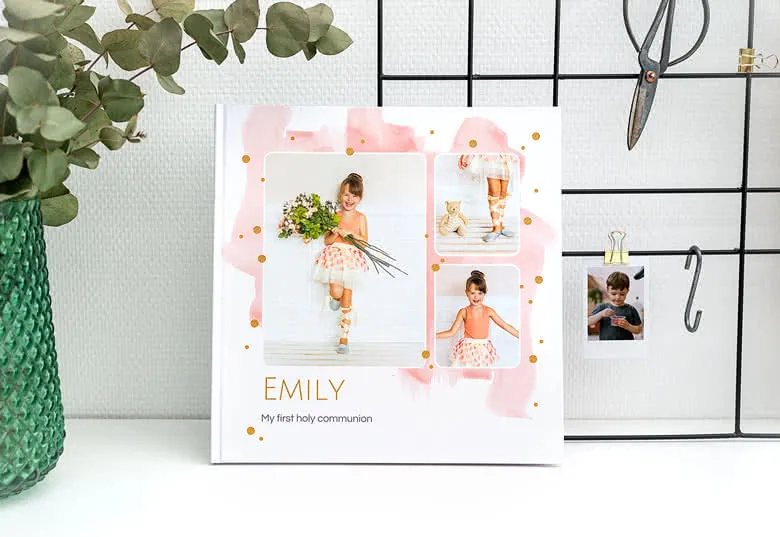
Their communion day is something truly special — filled with family, celebration, and proud memories. Capture the most meaningful moments in a beautifully personalised photo book, with photos from the ceremony, the gathering, the decorations, and the people who made the day unforgettable. You can add personal touches like messages from loved ones, favourite quotes, or meaningful blessings to make the book even more special. It’s a perfect gift for the child and a treasured keepsake that they (and their family) will look back on for years to come. Planning the big day? Take a look at our range of Cannot find relative path for: Events.CommunionSg — and don’t forget to include a guest book where friends and family can leave kind words and warm wishes.

Surprise someone with a memory-filled photo book

Looking for a gift that’s thoughtful, personal, and full of heart? A photo book is the perfect way to show someone you care. Whether it’s for a birthday, anniversary, Mother’s Day, or just because, you’re giving memories they can hold onto. Choose a design that fits the occasion, and fill it with shared moments, loving words, or funny stories. It’s a keepsake they’ll treasure for years.

Create the photo book you’ve always wanted

Creating your photo book is simple, fast, and even a little bit relaxing with our easy-to-use online design tool. Whether you're building a meaningful gift or capturing your own favourite memories, you can choose how involved you want to be — design every detail yourself, or let our smart autofill feature do the work for you. You can choose from a variety of formats — M, L or XL — depending on the story you want to tell. A medium (M) photo book is ideal for everyday moments or thoughtful little gifts, while the L or XL options give you extra space to showcase large images or tell longer stories. Once you've picked your size, it's time to personalise your cover. Choose from a classic photo cover, elegant linen, or luxurious leather. And here’s a tip: all our hardcover photo books come with free lay-flat binding. This means your pages open completely flat — perfect for panoramic spreads or full-width photos. Add your favourite images, write personal captions, and select from a variety of layouts to make your photo book truly one-of-a-kind. With smartphoto, designing your dream photo book is just a few clicks away.

Quick and easy: design your photo book with autofill

Want to make a beautiful photo book, but don’t have a lot of time? No problem. With our autofill function, you can create your book quickly and easily — without compromising on quality or style. Start by uploading your favourite photos and selecting the size and type of photo book you’d like to create. Choose a design template that suits your story, and then simply click the autofill option. Our smart system will automatically place your photos into the book for you — saving you time while still giving you a lovely result. You can add personal text or make small adjustments afterwards to get everything just the way you like it. Before ordering, make sure to preview your photo book and check that everything looks perfect. It’s the fastest way to create a meaningful photo book — even if you're short on time.

Please wait...